
Channels API
Manage your WhatsApp Business channels — create connections to your WABA, update display names or access tokens, and remove channels when needed.
Overview
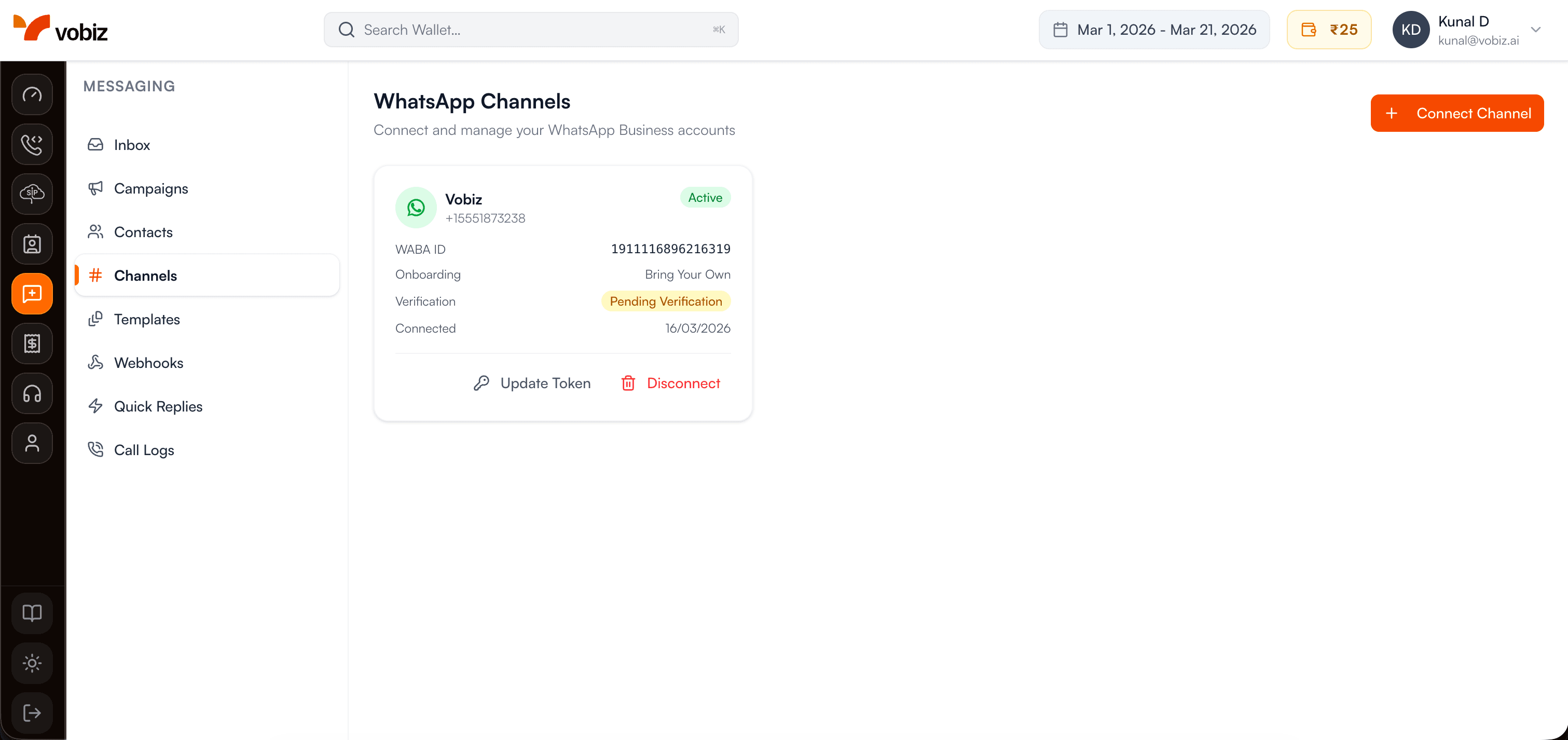
The Vobiz channels list — each row is one WhatsApp channel object returned by the API.
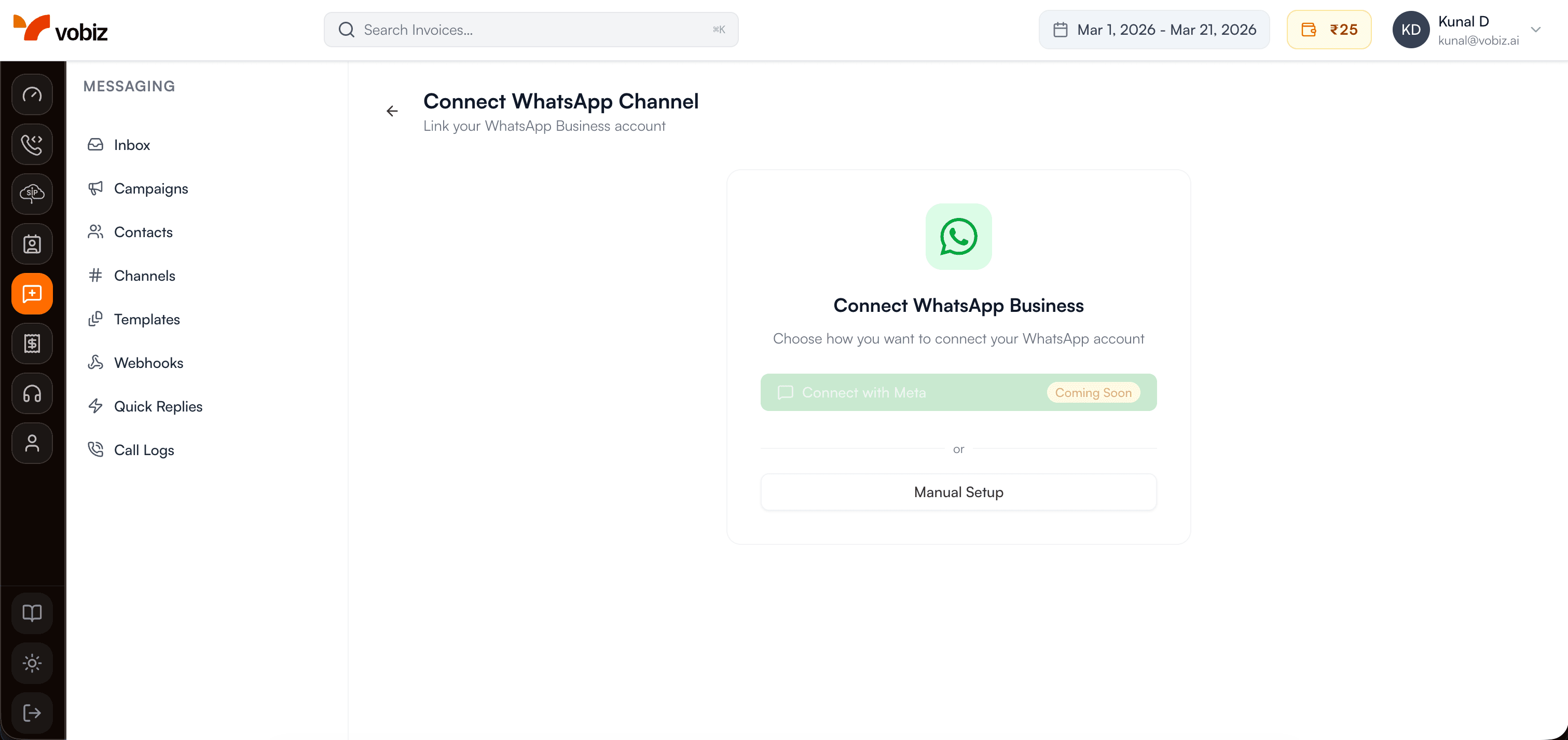
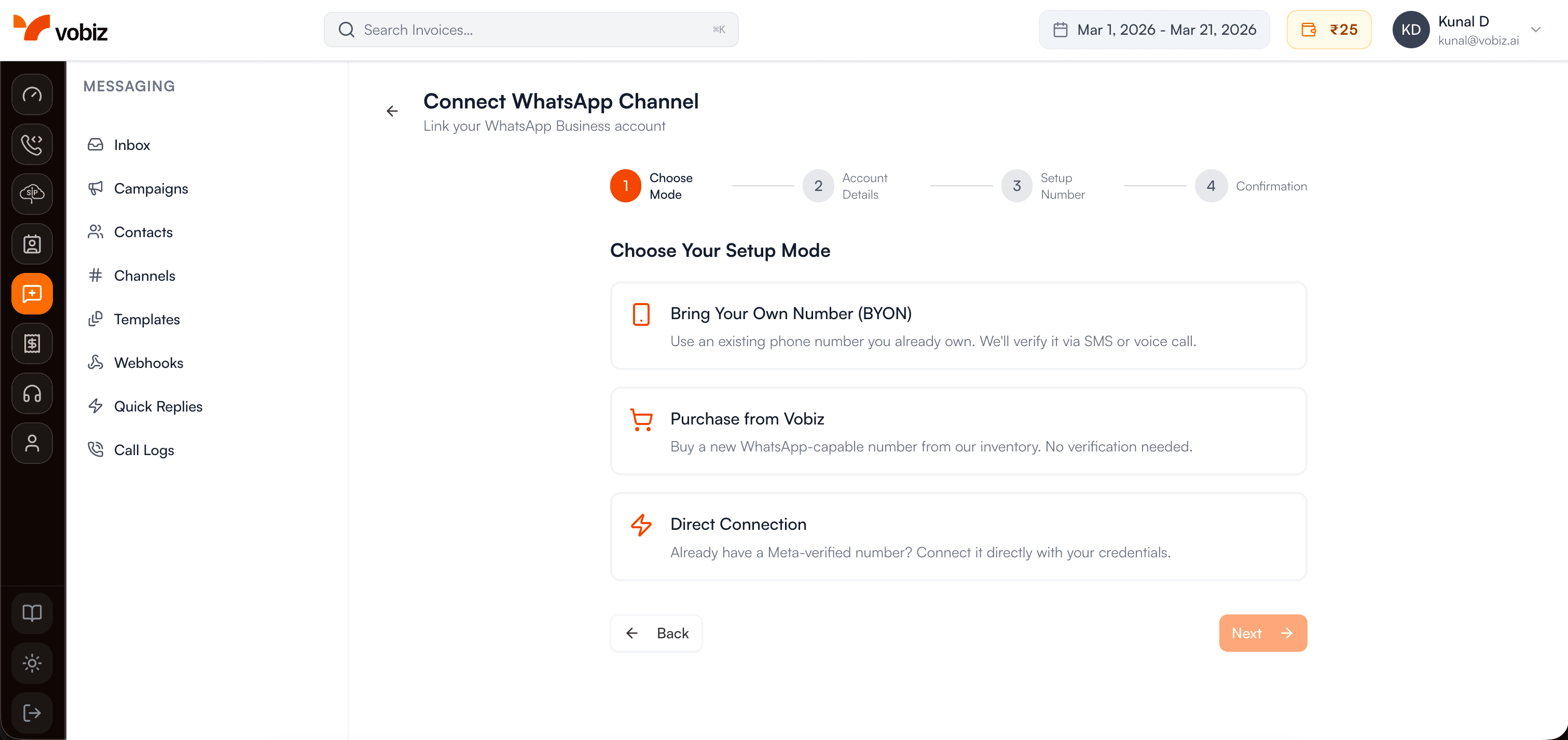
Two modes: Bring Your Own Number (BYON) or Embedded Signup.
List WhatsApp Channels
https://api.vobiz.ai/v1/messaging/channels/whatsappReturns all WhatsApp channels connected to your Vobiz account.
Authentication Required:
- • X-Auth-ID: Your Account Auth ID
- • X-Auth-Token: Your Account Auth Token
- • Accept: application/json
curl -X GET \
  "https://api.vobiz.ai/v1/messaging/channels/whatsapp" \
  -H "X-Auth-ID: {auth_id}" \
-H "X-Auth-Token: {auth_token}"{
"data": [{
"id": "2f8892e1-59b7-40a2-b518-e7a7c31a754d",
"display_name": "My Business",
"phone_number": "+15551234567",
"waba_id": "1911116896216319",
"status": "active",
"created_at": "2026-03-01T10:00:00Z"
}]
}Create WhatsApp Channel
https://api.vobiz.ai/v1/messaging/channels/whatsappConnect a new WhatsApp Business number using your WABA credentials from Meta Business Manager.
Authentication Required:
- • X-Auth-ID: Your Account Auth ID
- • X-Auth-Token: Your Account Auth Token
- • Accept: application/json
| Field | Required | Description |
|---|---|---|
| waba_id | Required | WhatsApp Business Account ID from Meta |
| phone_number_id | Required | Phone Number ID from Meta |
| phone_number | Required | E.164 format phone number |
| number_onboarding_mode | Required | "bring_your_own" or "embedded_signup" |
| number_provider | Required | "meta_direct" for BYON |
| access_token | Required | Meta System User access token |
| display_name | Optional | Business display name |
curl -X POST \
  "https://api.vobiz.ai/v1/messaging/channels/whatsapp" \
  -H "X-Auth-ID: {auth_id}" \
  -H "X-Auth-Token: {auth_token}" \
  -H "Content-Type: application/json" \
  -d '{"waba_id":"1911116896216319","phone_number_id":"974161339121558","phone_number":"+15551234567","number_onboarding_mode":"bring_your_own","number_provider":"meta_direct","access_token":"EAAx...","display_name":"My Business"}'
Embedded Signup
https://api.vobiz.ai/v1/messaging/channels/whatsapp/embedded-signupComplete channel creation after the Meta Embedded Signup OAuth flow. Pass the authorization code returned by Meta.
Authentication Required:
- • X-Auth-ID: Your Account Auth ID
- • X-Auth-Token: Your Account Auth Token
- • Accept: application/json
curl -X POST \
  "https://api.vobiz.ai/v1/messaging/channels/whatsapp/embedded-signup" \
  -H "X-Auth-ID: {auth_id}" \
  -H "X-Auth-Token: {auth_token}" \
  -H "Content-Type: application/json" \
  -d '{"code":"AQB...","waba_id":"1911116896216319","phone_number_id":"974161339121558"}'
Update Channel
https://api.vobiz.ai/v1/messaging/channels/whatsapp/{channel_id}Update an existing channel's display name or refresh its Meta access token when the previous token expires.
Authentication Required:
- • X-Auth-ID: Your Account Auth ID
- • X-Auth-Token: Your Account Auth Token
- • Accept: application/json
curl -X PUT \
  "https://api.vobiz.ai/v1/messaging/channels/whatsapp/{channel_id}" \
  -H "X-Auth-ID: {auth_id}" \
  -H "X-Auth-Token: {auth_token}" \
  -H "Content-Type: application/json" \
  -d '{"display_name":"Updated Business Name","access_token":"EAAx_new..."}'
Delete Channel
https://api.vobiz.ai/v1/messaging/channels/whatsapp/{channel_id}Disconnect and remove a WhatsApp channel. Does not delete the WABA or phone number from Meta — only removes the Vobiz connection.
Authentication Required:
- • X-Auth-ID: Your Account Auth ID
- • X-Auth-Token: Your Account Auth Token
- • Accept: application/json
curl -X DELETE \
  "https://api.vobiz.ai/v1/messaging/channels/whatsapp/{channel_id}" \
  -H "X-Auth-ID: {auth_id}" \
  -H "X-Auth-Token: {auth_token}"