
Prerequisites
Before you can start using WhatsApp Business with Vobiz, you'll need to set up a few things. This guide will walk you through all the requirements.
⏱️ Time Required
Setting up all prerequisites typically takes 15-30 minutes if you don't have a Meta Business Account yet. If you already have one, it's much faster.
1. Meta Business Account
A Meta Business Account is required to use WhatsApp Business API. This is a free account that gives you access to Meta's business tools including WhatsApp, Facebook, and Instagram.
Creating a Meta Business Account
- 1
Go to business.facebook.com
You'll need to log in with your personal Facebook account
- 2
Click "Create Account" in the top right
- 3
Enter your business name and details
Tip: Use your actual business name. You'll need to verify it later for production access.
- 4
Complete the verification process
️ Important Notes
- • You need a personal Facebook account to create a Business Account
- • The business name should match your official business registration
- • For production use, Meta will require business verification (can take 1-3 days)
2. WhatsApp Business Account (WABA)
Within your Meta Business Account, you'll need to create a WhatsApp Business Account (WABA). This is where you'll manage your WhatsApp phone numbers and settings.
Creating a WABA
- 1
In Meta Business Manager, go to "WhatsApp Accounts" in the left menu
- 2
Click "Add" and select "Create a WhatsApp Business Account"
- 3
Follow the setup wizard to create your WABA
- 4
Save your WABA ID - you'll need this for Vobiz
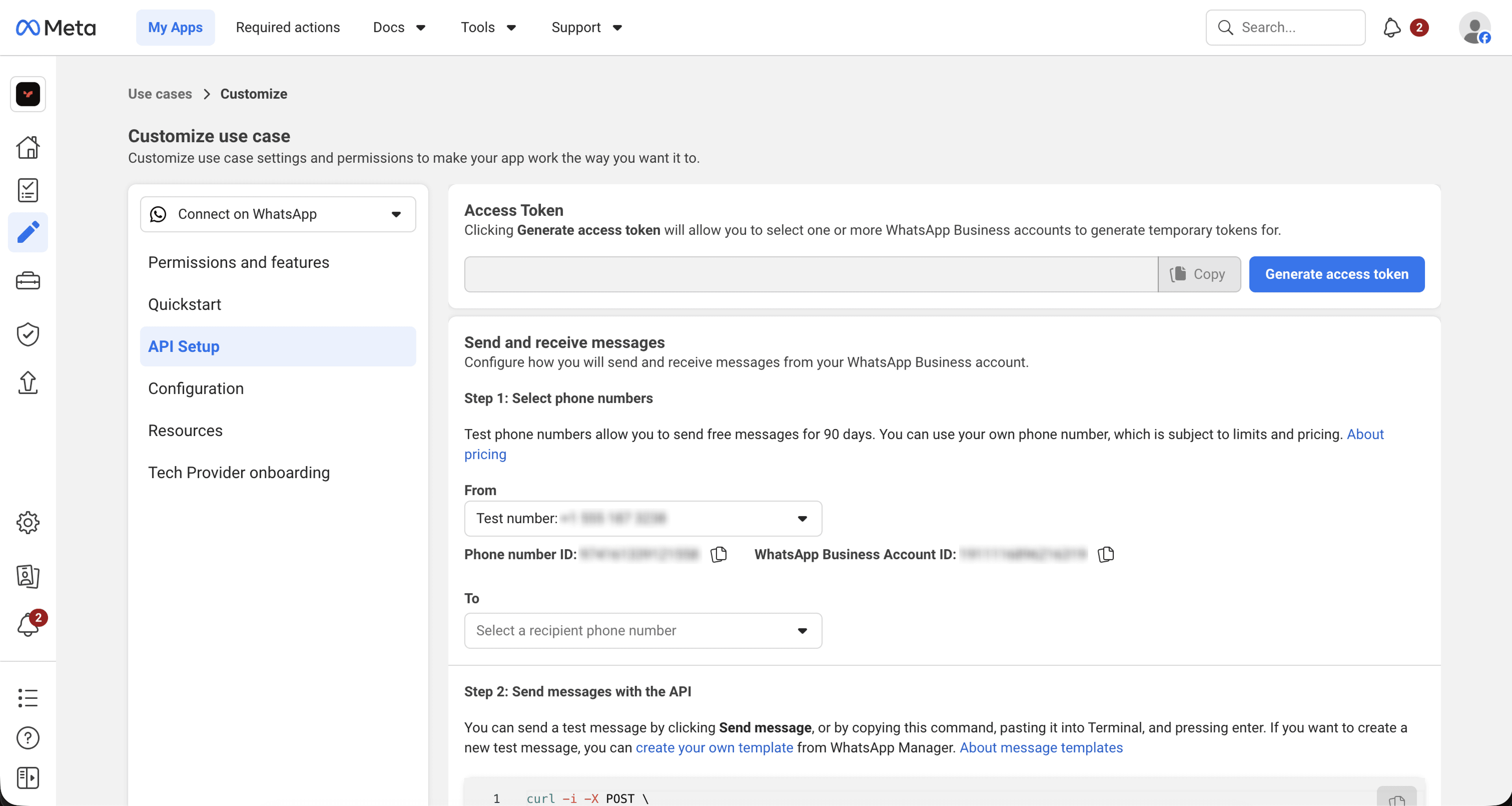
Finding your WABA ID: Go to WhatsApp Manager → Settings → Business Info. Your WABA ID is displayed at the top (format: 123456789012345)
3. Phone Number Requirements
You need a phone number to use with WhatsApp Business. The number must meet these requirements:
Phone Number Rules
Must be able to receive voice calls or SMS
Used for verification via OTP (One-Time Password)
Cannot be registered with WhatsApp Business app or WhatsApp Messenger
If it's currently in use, you'll need to deregister it first
Must be in a supported country
Most countries are supported. Check Meta's documentation for the full list
Recommended: Use a dedicated business number
Don't use personal numbers for business communications
Option 1: Bring Your Own Number (BYON)
Use an existing phone number you already own
- • Free (no additional cost)
- • Requires OTP verification
- • Takes 5-10 minutes to set up
Option 2: Buy from Vobiz
Purchase a new WhatsApp-capable number directly from Vobiz
- • Instant setup (no verification needed)
- • Choose from available countries
- • Monthly fee applies
4. Vobiz Account
You'll need an active Vobiz account to use the WhatsApp Business integration.
What You'll Need
- →
Active Vobiz account
Sign up at console.vobiz.ai if you don't have one
- →
API credentials (for developers)
Get your Auth ID and Auth Token from the Vobiz console under Settings → API Credentials
- →
Sufficient balance
WhatsApp messages are charged per conversation. Add credits to your Vobiz account
5. Optional Requirements
These are optional but recommended for a better experience:
Meta App (for embedded signup)
If you want to use Meta's embedded signup flow, you'll need to create a Meta App. This is optional - you can also manually enter credentials.
Webhook endpoint (for developers)
To receive real-time notifications for incoming messages and events, you'll need a publicly accessible webhook endpoint. You can set this up later.
Business verification (for production)
For production use and higher message limits, Meta requires business verification. This involves submitting business documents and can take 1-3 business days.
Ready to Continue?
Once you have all the prerequisites set up, you're ready to connect your first WhatsApp channel!
Continue to Quick Start Guide →