
Overview
Time to complete
~15 minutes
Difficulty
Beginner-Friendly (No Code)
Goal
Connect AI to a real phone
Bolna.ai offers a powerful platform for building conversational voice agents. By integrating with Vobiz, you can leverage our premium SIP trunking to give your agents global calling capabilities with superior reliability.
Capabilities:
- Outbound Calling: AI agents can initiate calls directly to customers.
- Inbound Calling: AI agents can handle incoming calls to your Vobiz numbers.
- Simplified Provisioning: Purchase and assign phone numbers directly through Bolna's interface.
Prerequisites
Before starting, ensure you have:
- ✅Vobiz Account with active balance — you will need your
Auth TokenandAuth Secretfrom the Vobiz Console → Create account - ✅Bolna.ai Account: Sign up at bolna.ai.
Step 1: Add Vobiz as a Provider
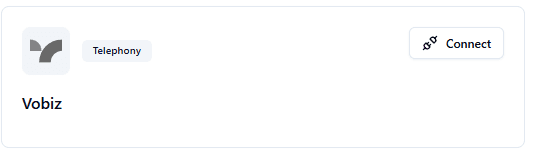
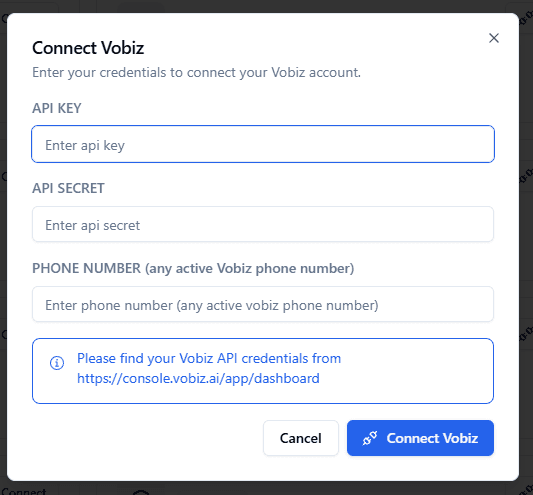
Log in to the Bolna Platform and navigate to the Providers section. You can find your credentials in the Vobiz Dashboard.
Locate the Vobiz provider option and enter your Vobiz Auth Token and Auth Secret.
Find your unique API credentials in the Vobiz Console (Dashboard → Settings → API Keys):
Auth Token
<your_auth_token>Auth Secret
<your_auth_secret>
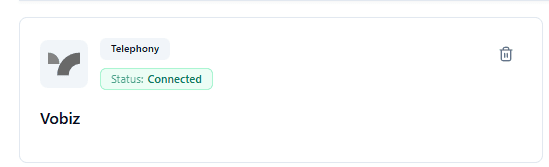
Connection Success
Once you have successfully entered your credentials, you should see the Vobiz telephony status marked as Connected.
Success Target
You've successfully authorized Bolna to use Vobiz for making phone calls.
Step 2: Configure Outbound Calls
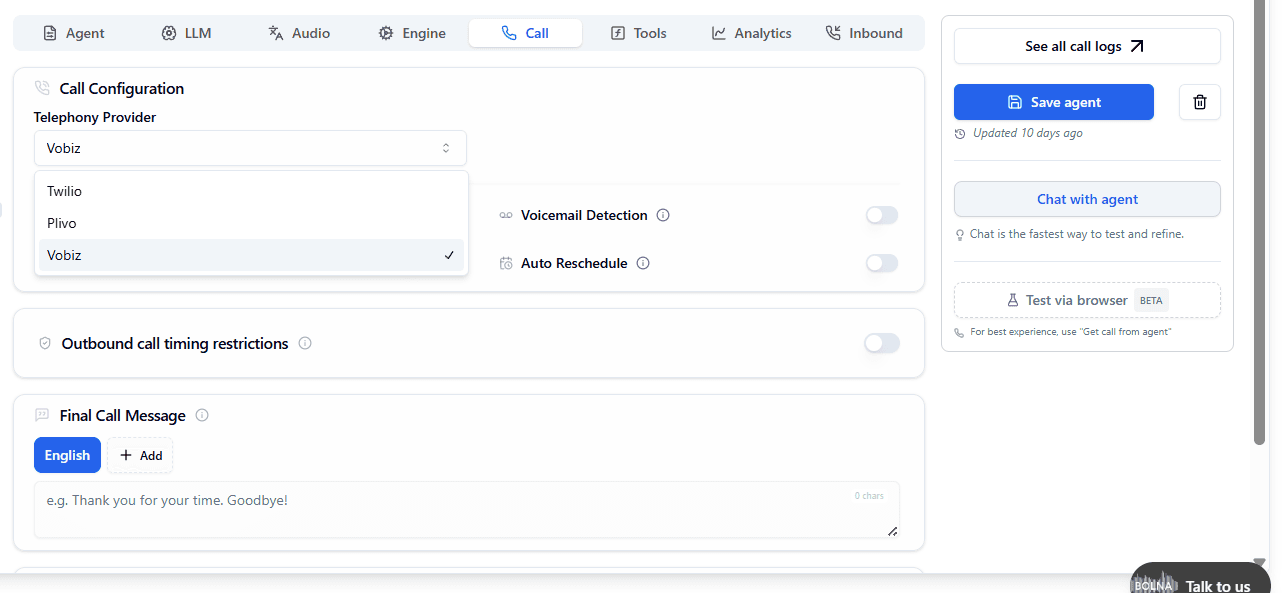
To enable your agents to make outbound calls, you need to select Vobiz as the telephony provider within the agent settings.
In the "Call Agent" section, choose Vobiz from the provider dropdown.
Success Target
Awesome! Your AI agent will now route outbound calls directly through your Vobiz SIP Trunk.
Step 3: Setup Inbound Calls
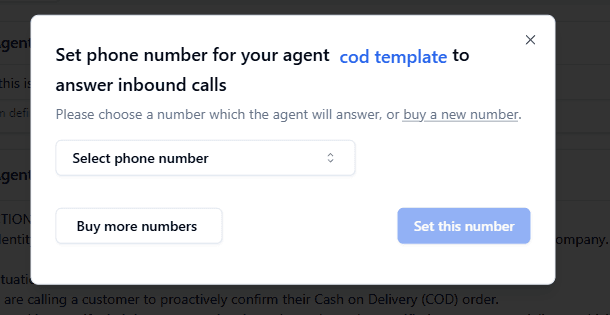
Configure which agent should answer incoming calls to your Vobiz numbers.
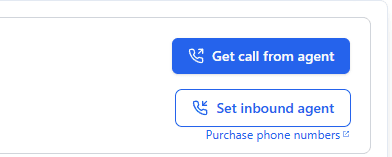
Select specific Vobiz phone numbers that will be handled by the chosen agent.
Step 4: Assign Phone Numbers
You can provision and buy new phone numbers directly within the Bolna.ai platform using Vobiz inventory.
Tip: If you already have numbers in your Vobiz account, they will automatically appear in the selection list after you've added your credentials as a provider.
Resources
Development
Support
- Vobiz Support: support@vobiz.ai
- Bolna Support: support@bolna.ai